> For the complete documentation index, see [llms.txt](https://help.eventool.com/llms.txt). Markdown versions of documentation pages are available by appending `.md` to page URLs; this page is available as [Markdown](https://help.eventool.com/en/meeting-planner/meeting-formats.md).
# Meeting Formats
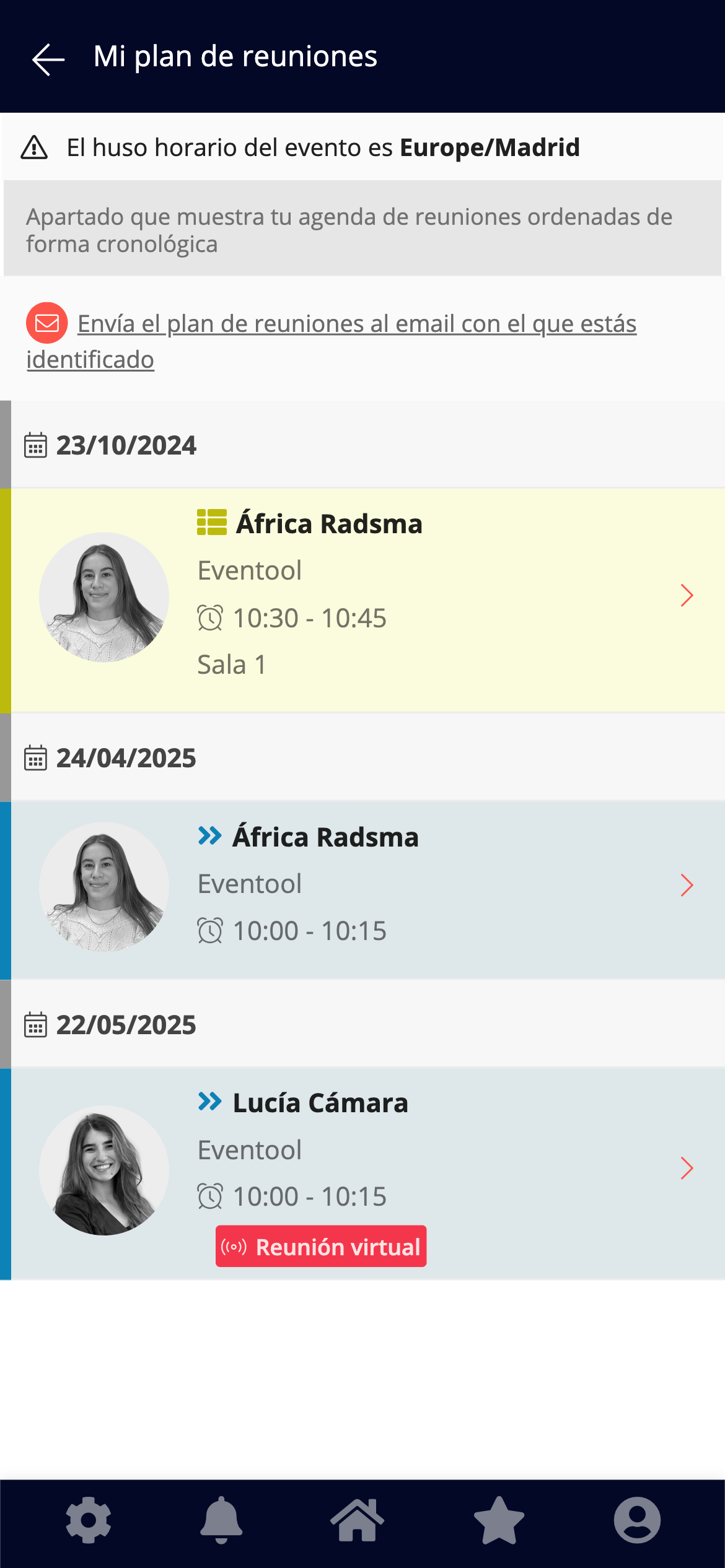
With Eventool, you can adapt meeting organization to the nature of your event: **in-person, virtual, or hybrid**. These are the available options for managing your meeting schedule:
#### In-person meetings
This option is designed for in-person events.\
Attendees manage their meeting requests through the app, and the meetings take place on-site, at the event venue.\
It's possible to automatically assign rooms or tables.
#### Virtual meetings
Ideal for online events.\
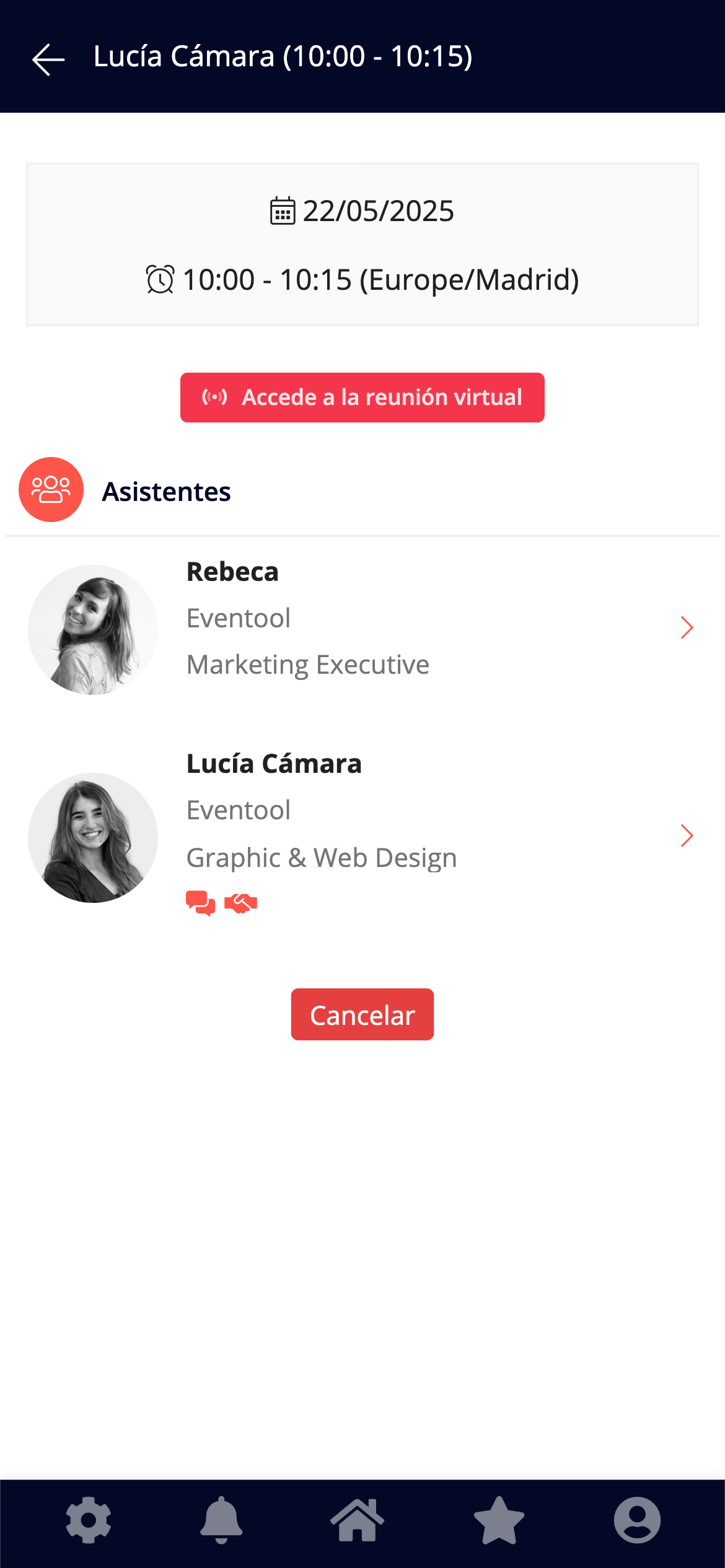
Schedule management can be done from the app or the virtual event itself, and meetings are held via integrated video conferencing.\
No external tools are needed: video call technology is built into the Eventool system.
#### Hybrid meetings (in-person + virtual)
Designed for hybrid events.
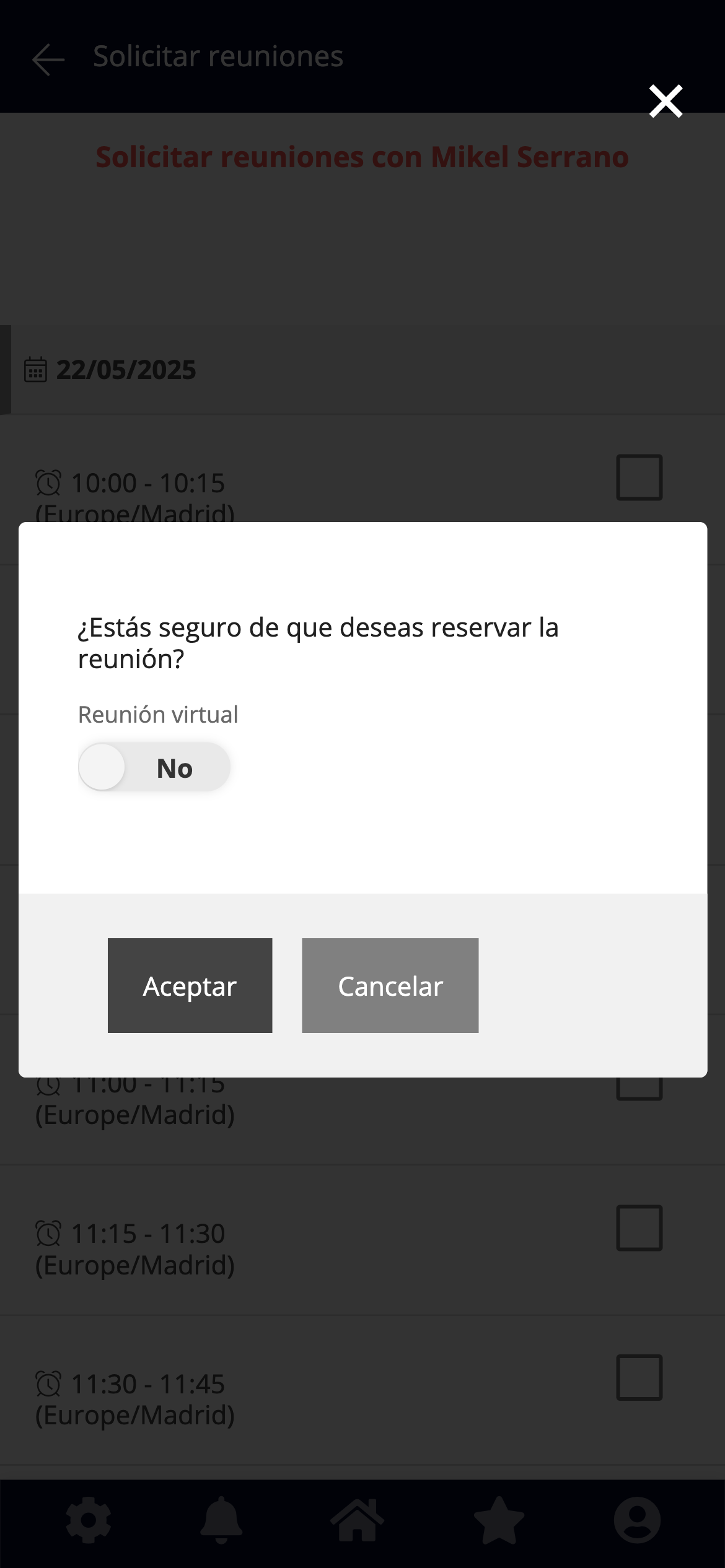
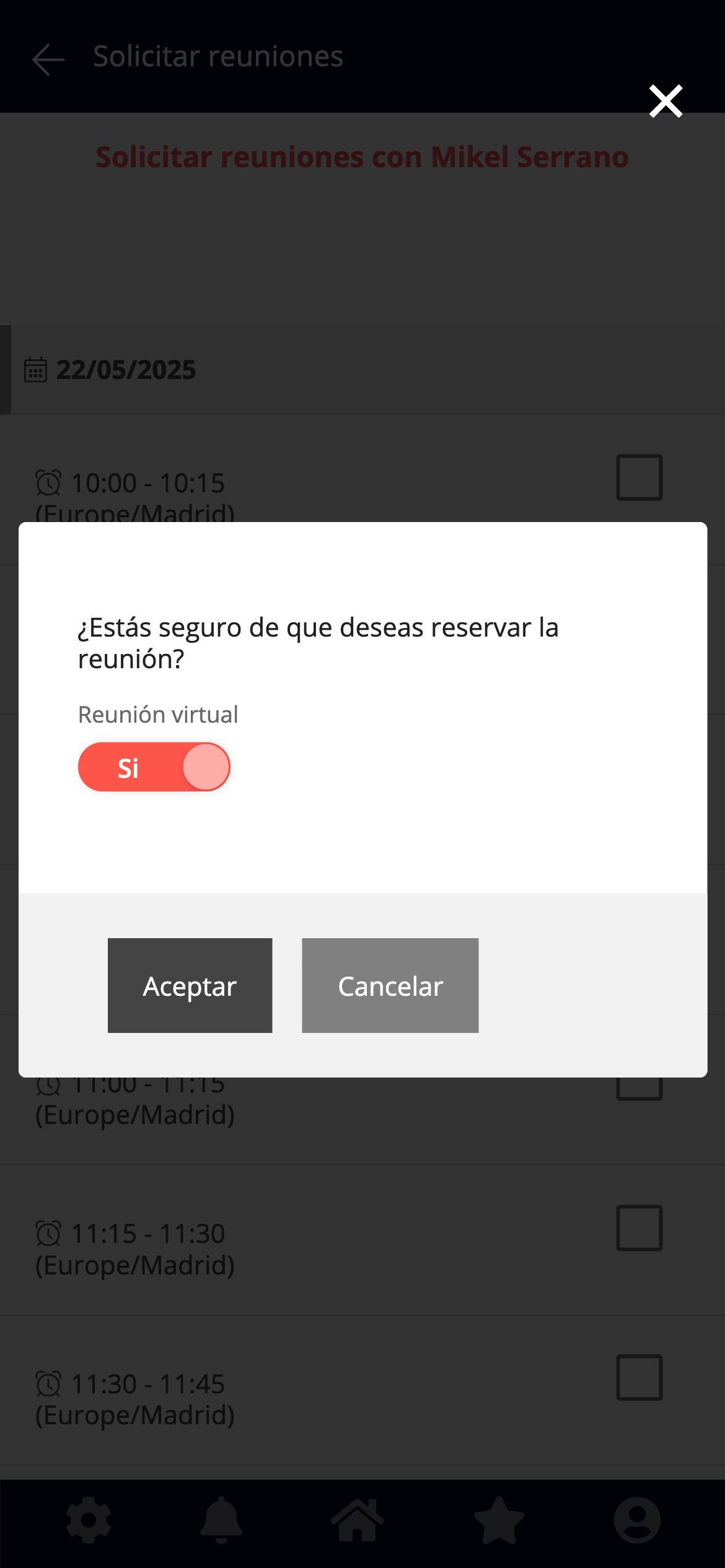
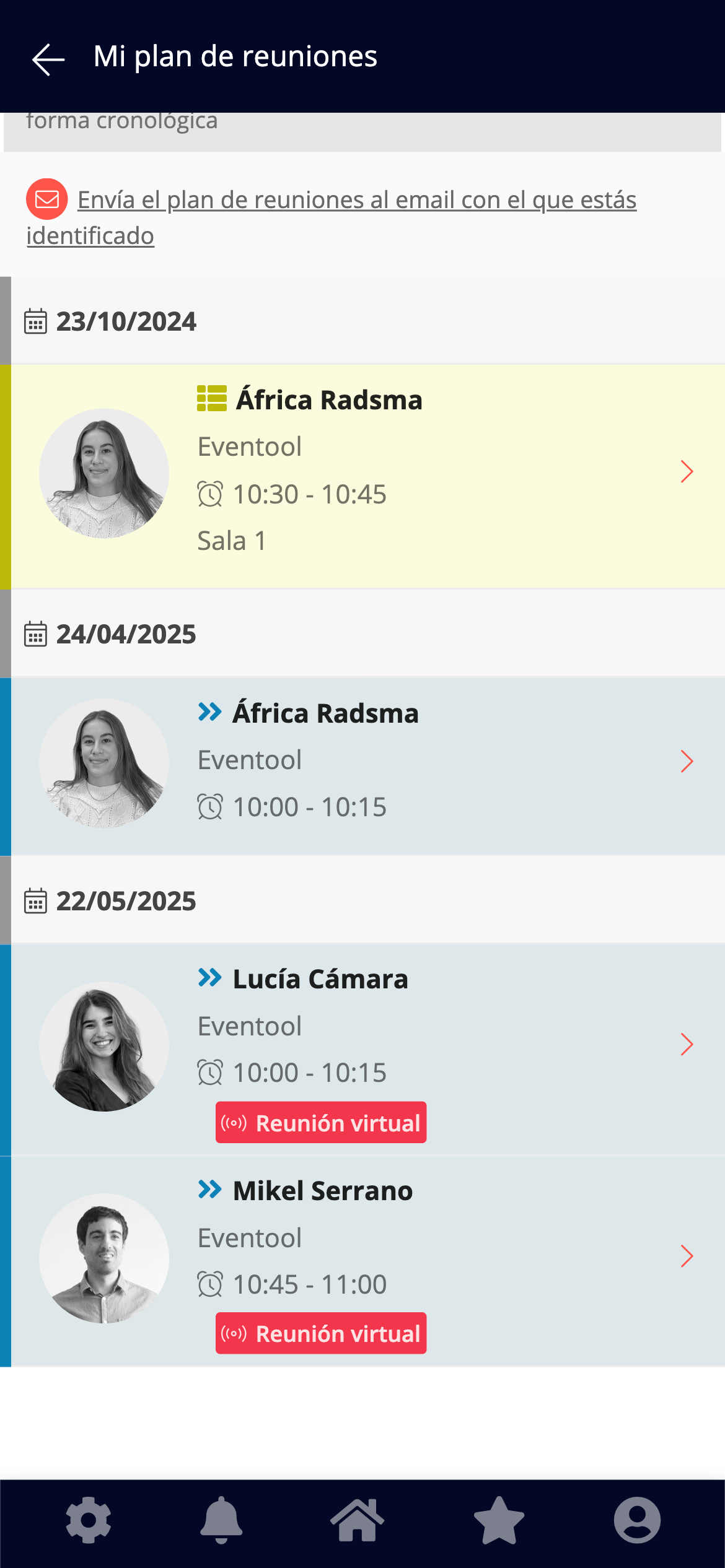
The schedule is managed through the app or the virtual event, and upon confirming each appointment, attendees choose whether they want to attend in person or virtually.\
If they select the virtual option, access to Eventool's native video call system is enabled.
This way, you can offer attendees the most comfortable experience tailored to their preferences, regardless of the format of your event.
{% hint style="info" %}
⚙️ This setting is defined in the event panel under:\
**Settings > Included Options > Meetings > Meeting Mode**
{% endhint %}