> For the complete documentation index, see [llms.txt](https://help.eventool.com/llms.txt). Markdown versions of documentation pages are available by appending `.md` to page URLs; this page is available as [Markdown](https://help.eventool.com/en/meeting-planner/how-can-the-attendee-view-their-meeting-schedule.md).
# How can the attendee view their meeting schedule?
Once the meeting system is set up in the app, each attendee can easily access their **schedule of confirmed meetings** from their mobile device. This option allows them to keep track of their appointments during the event and even download the calendar.
***
### Check from the app
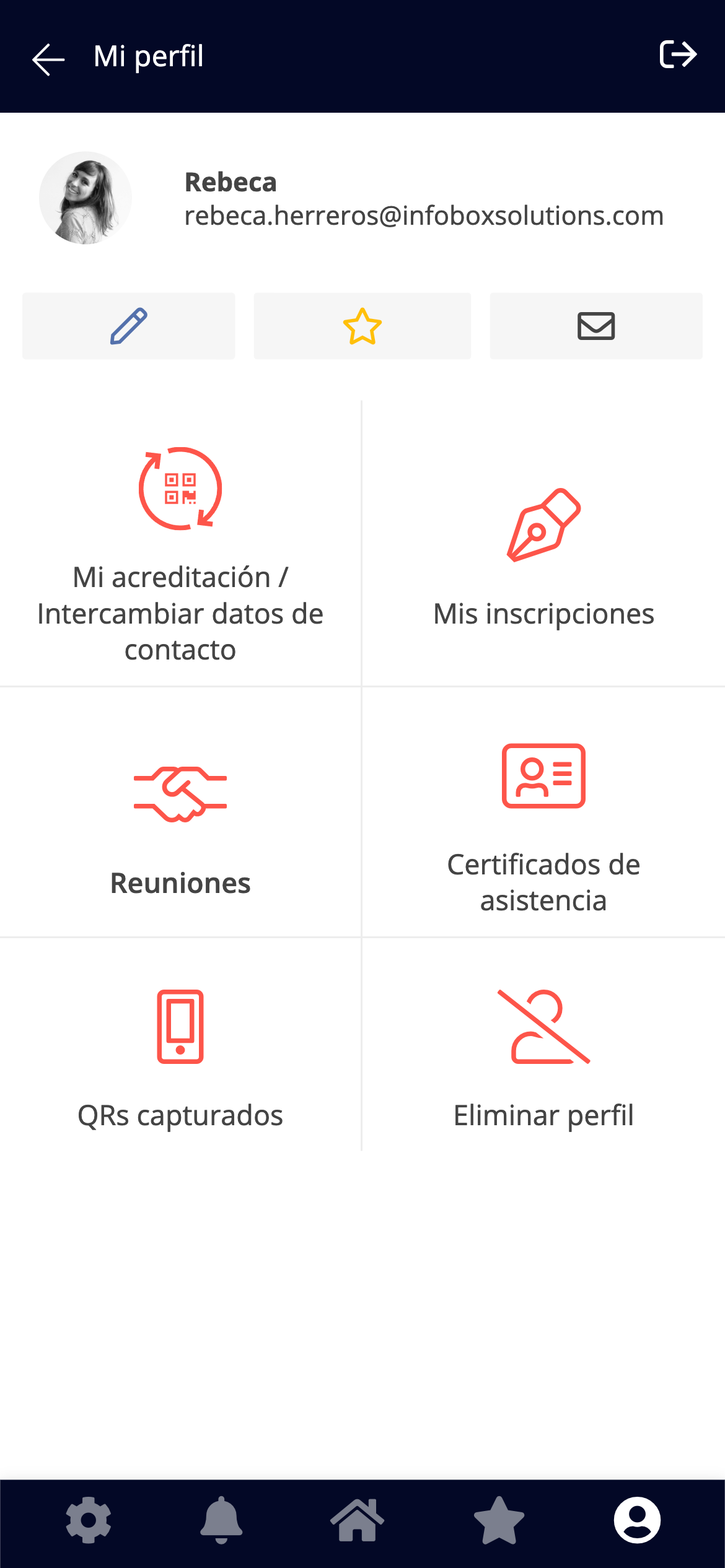
The attendee must access the event app and follow these steps:
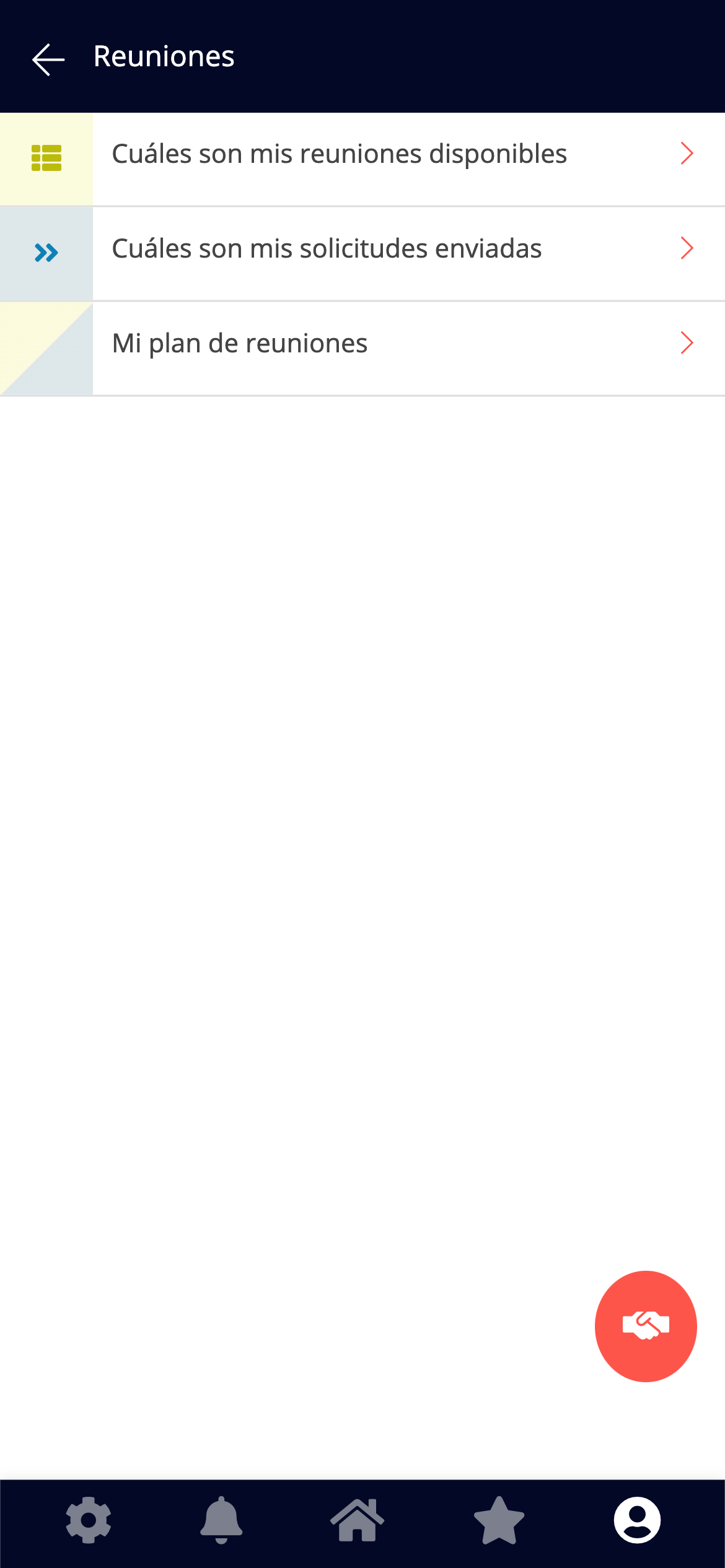
1. Go to the main menu and click on **Meetings**.
2. Select the **My Meeting Plan** option.
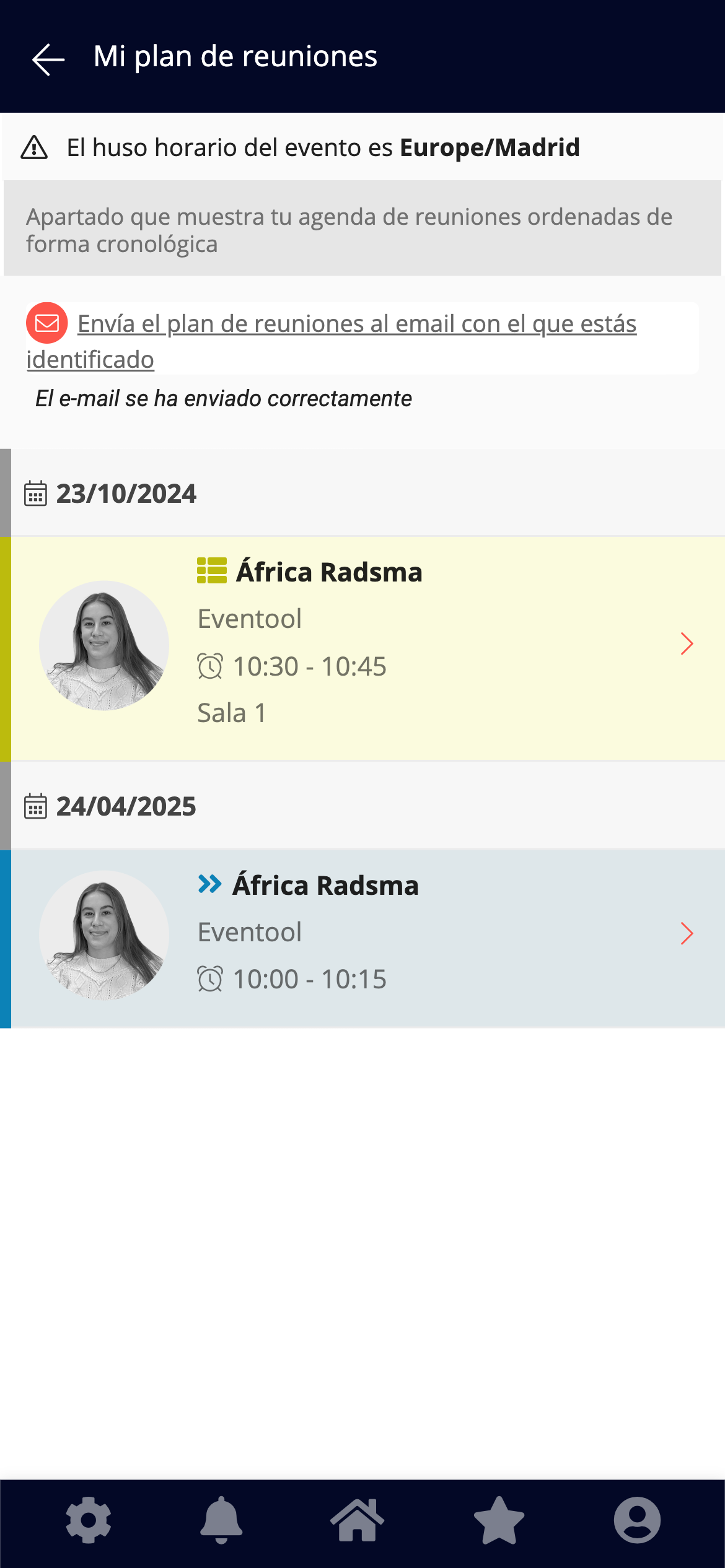
From this section, you can view all your **confirmed** meetings, ordered chronologically, with details of:
* Name of the other attendee
* Day and time
* Assigned room or space (if any)
The **official time zone** for the event is also indicated at the top of this screen to avoid confusion.
***
### Calendar sent by email
Within this same section, the assistant will find the option:
> **"**Send the meeting plan to the email address you are registered with."
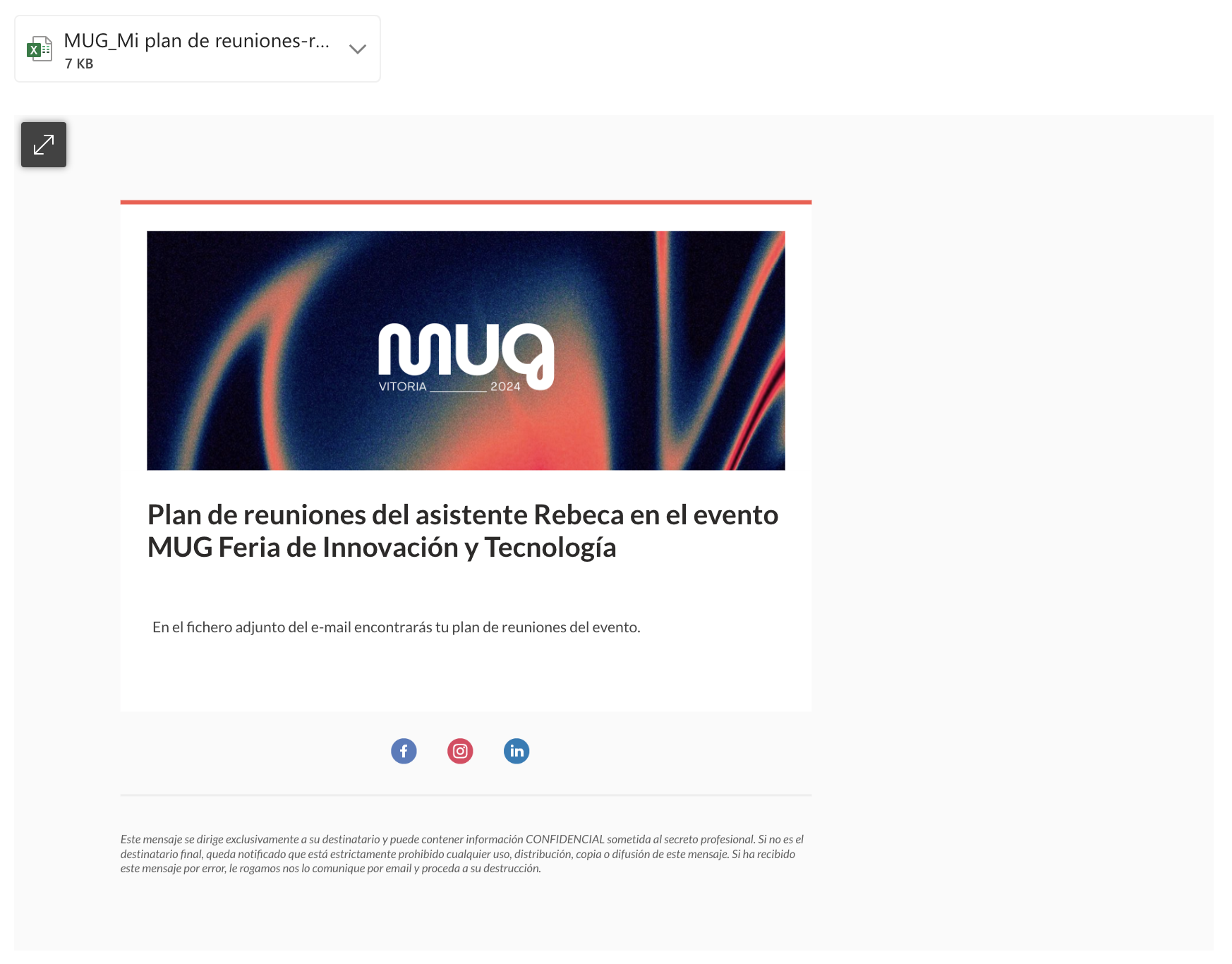
Clicking this link will automatically send an email to the attendee with an attached Excel file. This file contains the complete details of your meeting plan.
✅ The sending is confirmed on screen with the message: "*The email has been sent successfully*."