> For the complete documentation index, see [llms.txt](https://help.eventool.com/llms.txt). Markdown versions of documentation pages are available by appending `.md` to page URLs; this page is available as [Markdown](https://help.eventool.com/en/general-content/networking/attendees/how-to-show-or-not-attendees-in-the-app-or-virtual-eventl.md).
# How to show (or not) attendees in the app or virtual eventl
> You can decide which attendees appear visible in the public list and what personal data is displayed.
## How do I make an assistant appear in the list?
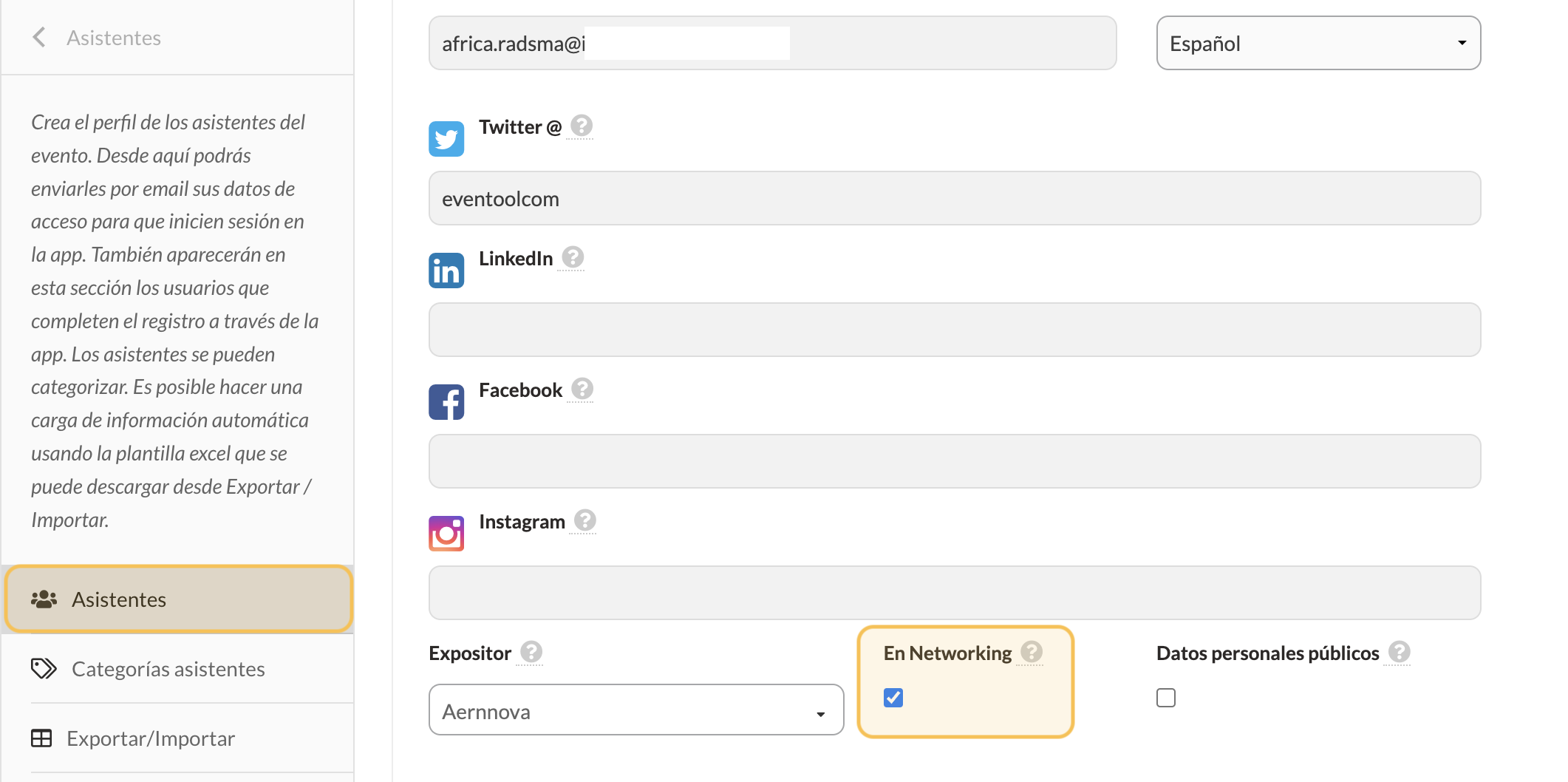
Tick the **Networking** checkbox in the **Attendees** tab.
This enables:
* Make your profile visible in the app.
* That I may participate in chats and send/receive meeting requests.
⚠️ Please note:\
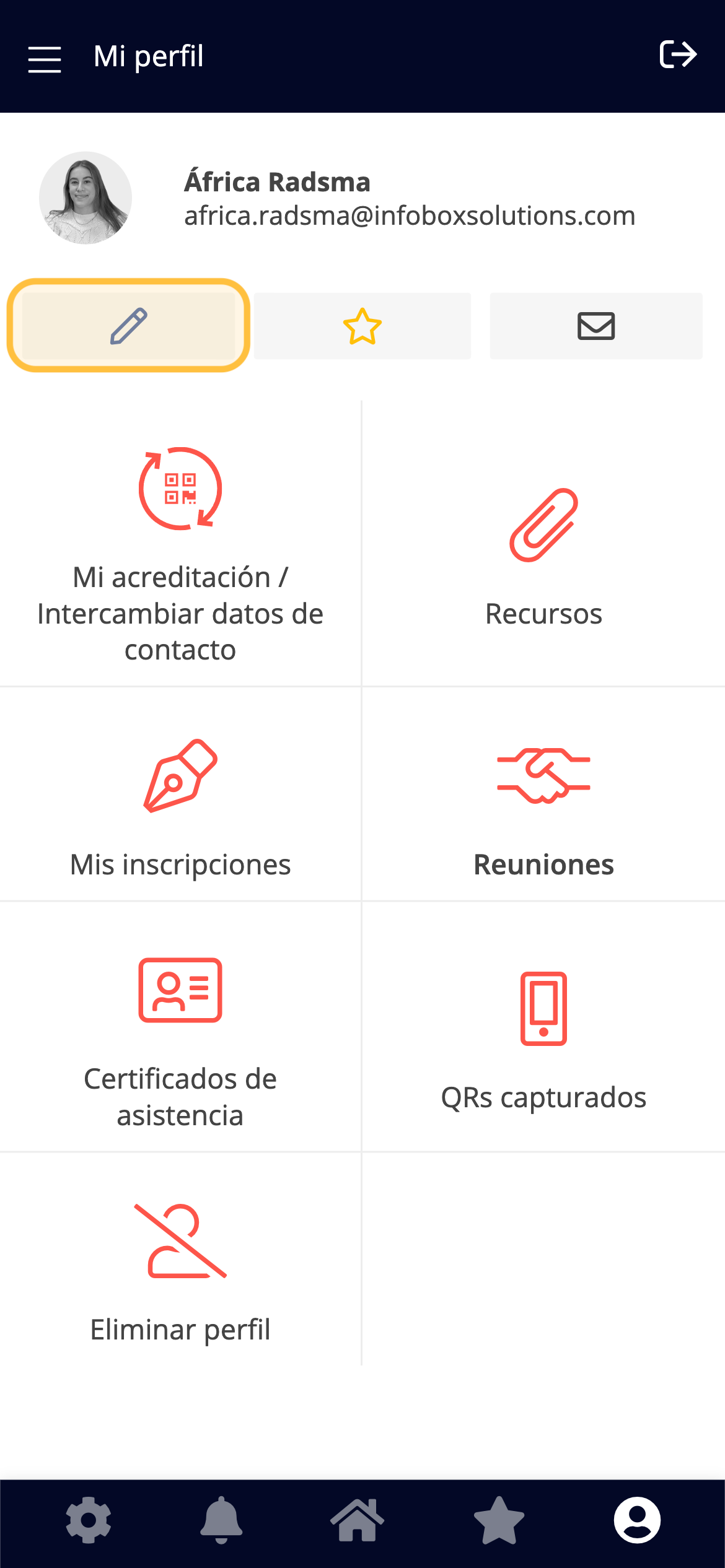
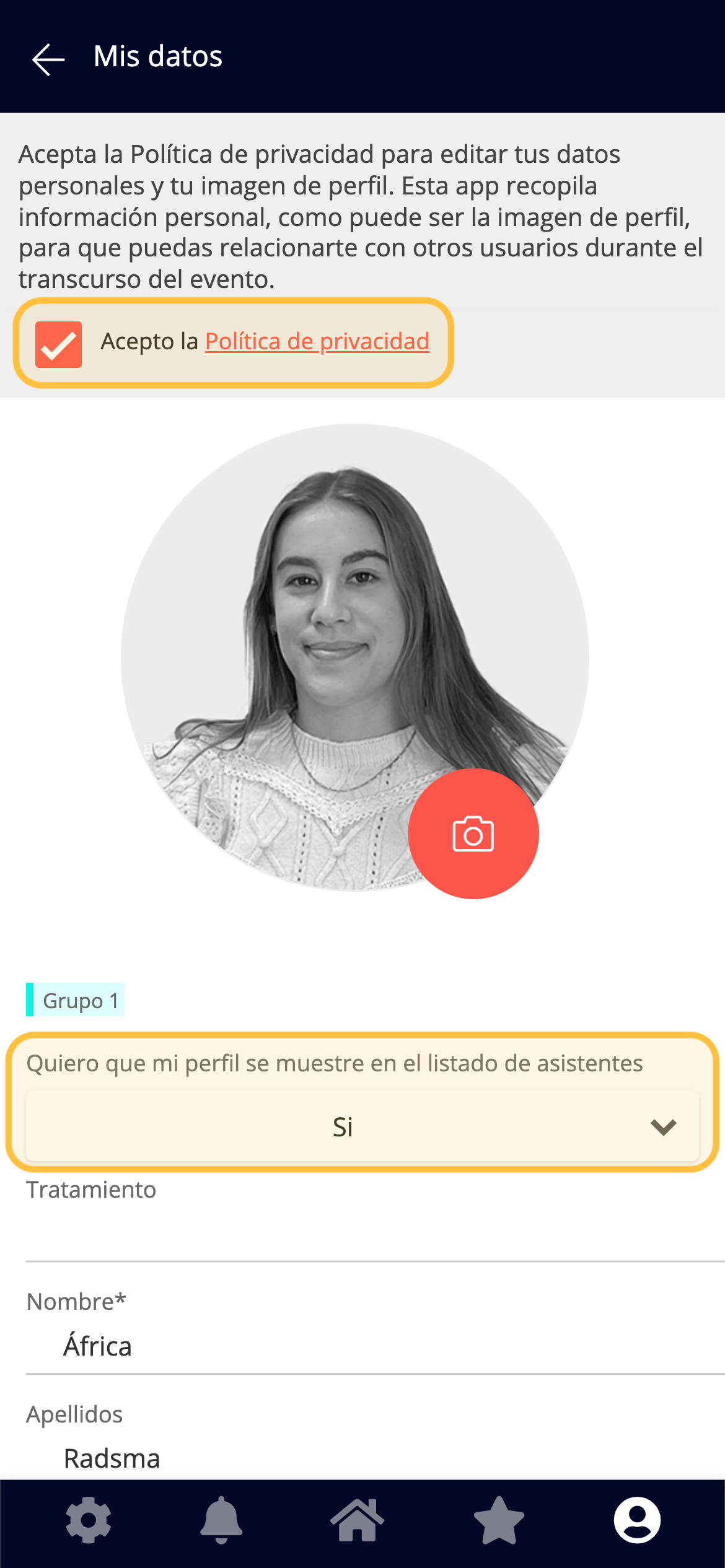
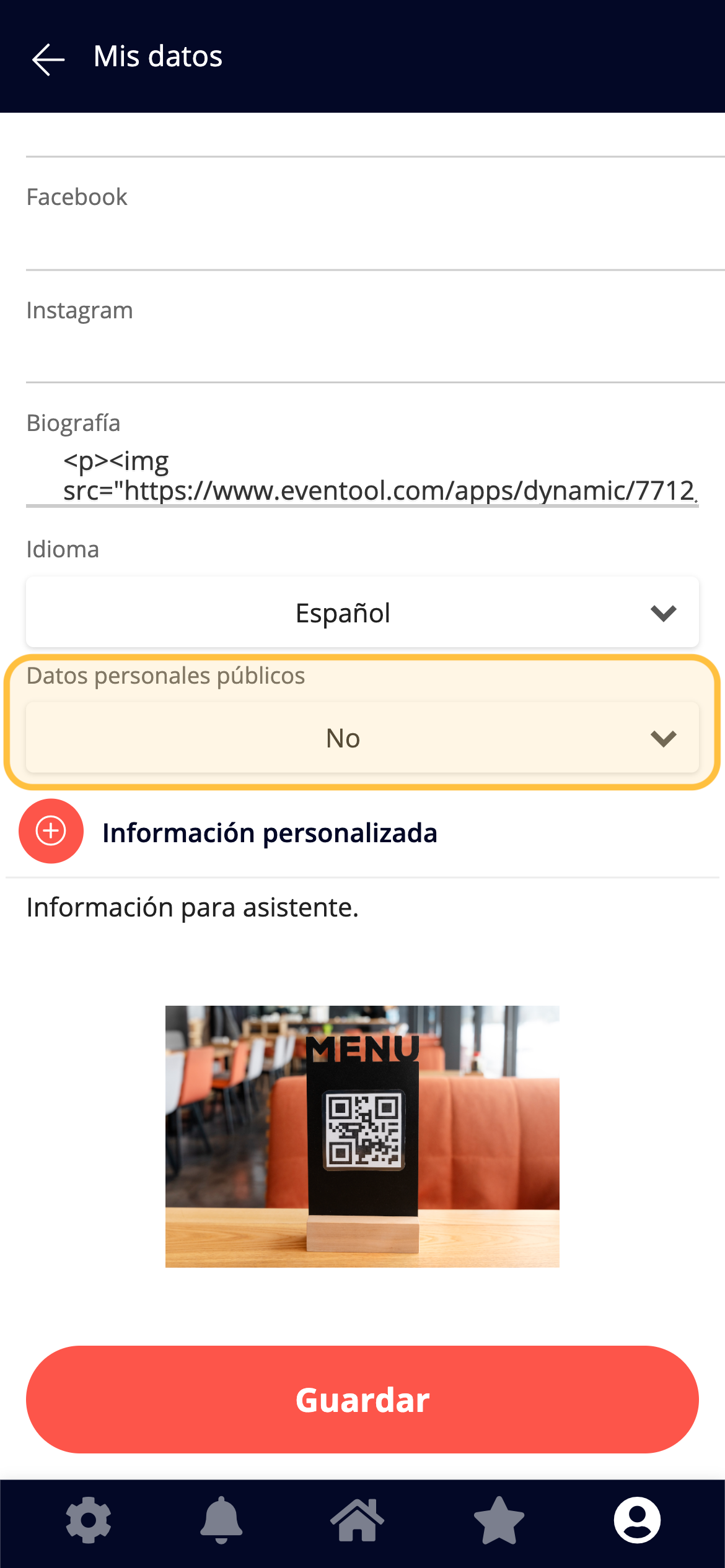
The assistant can modify this option from their profile if they do not wish to be publicly displayed.
## What about personal data?
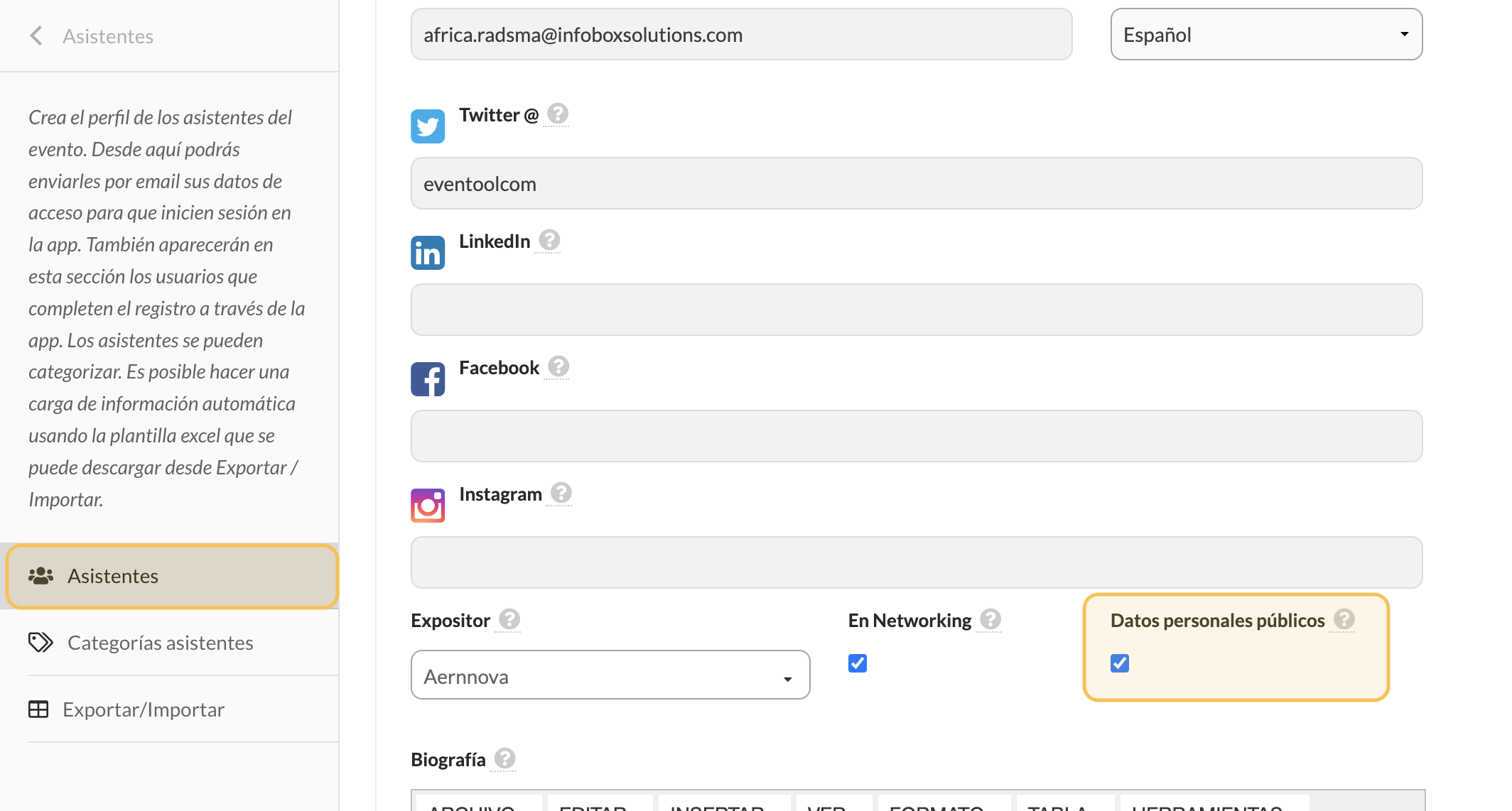
Tick the **Public personal data** box if you want the telephone number and email address to be displayed on their visible profile.
⚠️ This setting can also be managed by the assistant themselves from their profile.