> For the complete documentation index, see [llms.txt](https://help.eventool.com/llms.txt). Markdown versions of documentation pages are available by appending `.md` to page URLs; this page is available as [Markdown](https://help.eventool.com/en/general-content/networking/attendees/how-to-manage-the-private-information-seen-by-the-assistant.md).
# How to manage the private information seen by the assistant
> You can personalise the assistant's experience by displaying private content within their personal profile.
## Information for the attendee
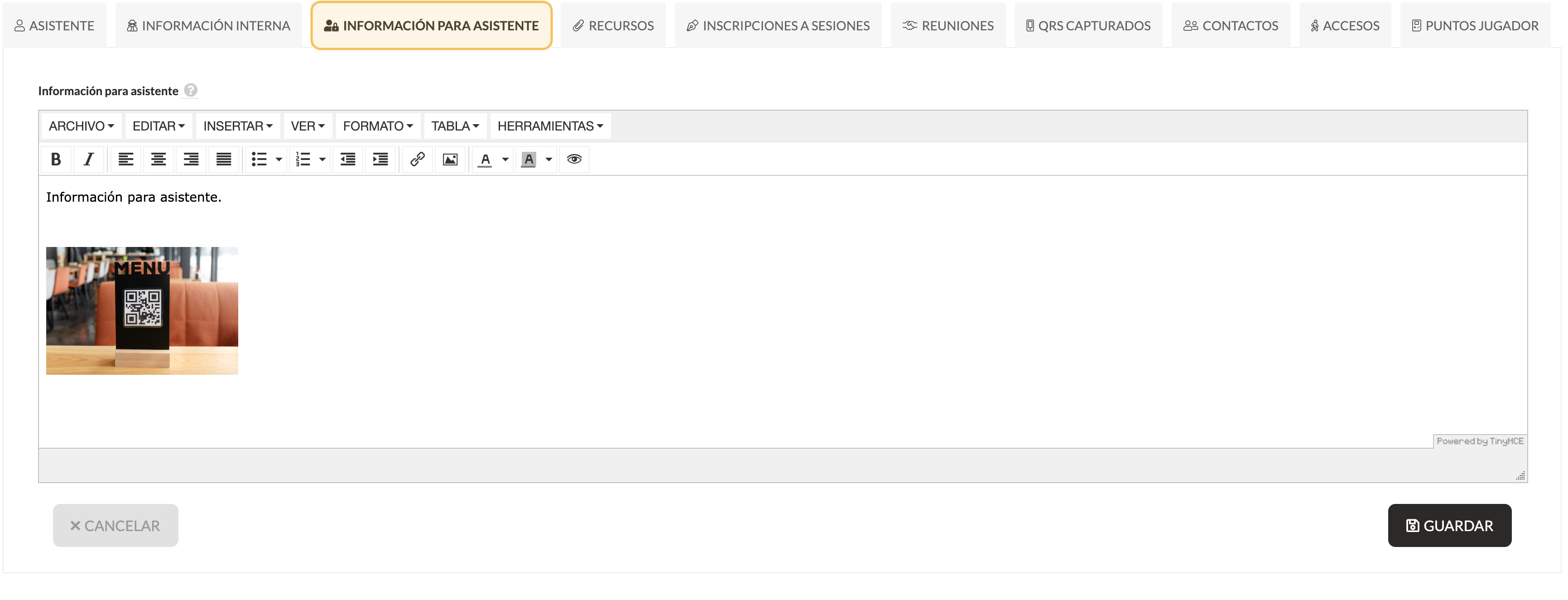
From the **Information for attendee** tab, you can include:
* Free text
* Images
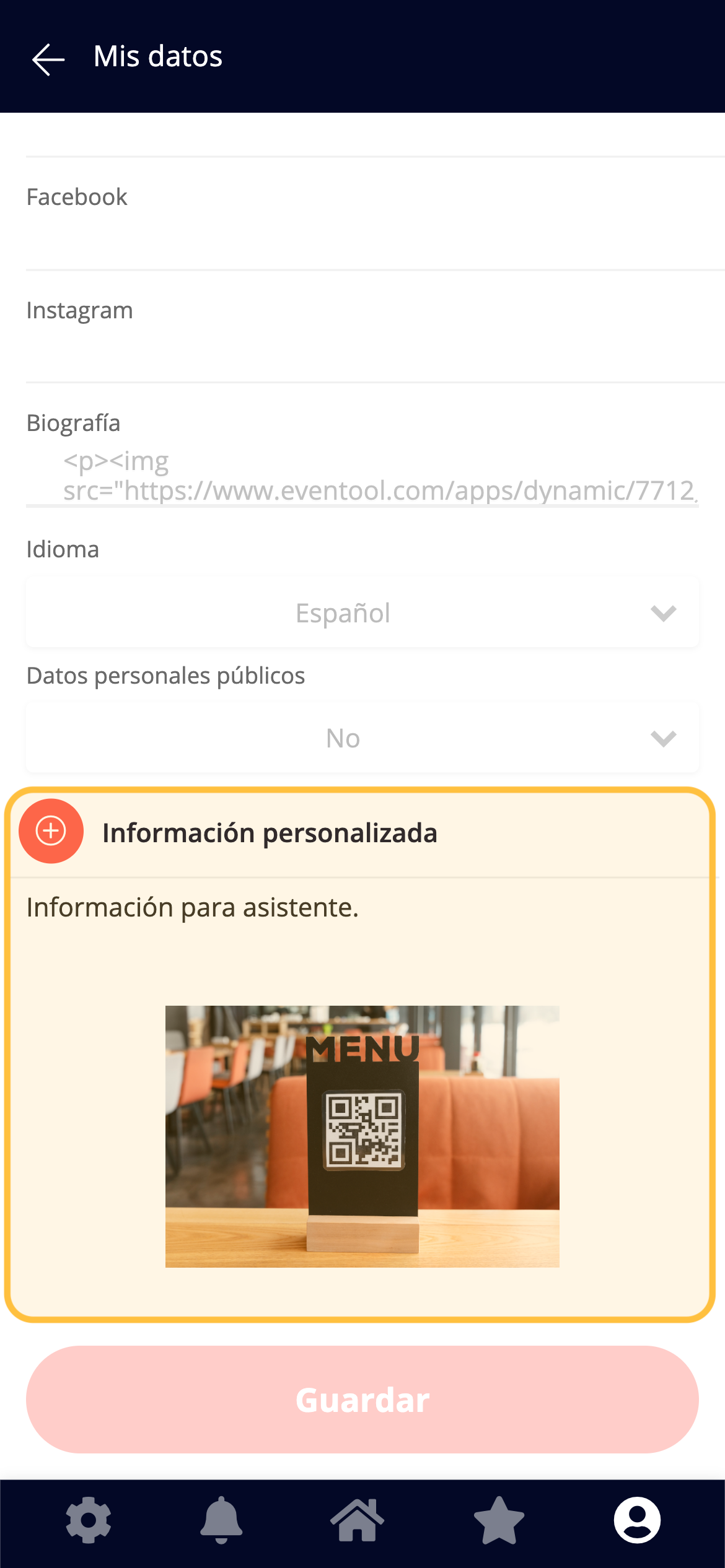
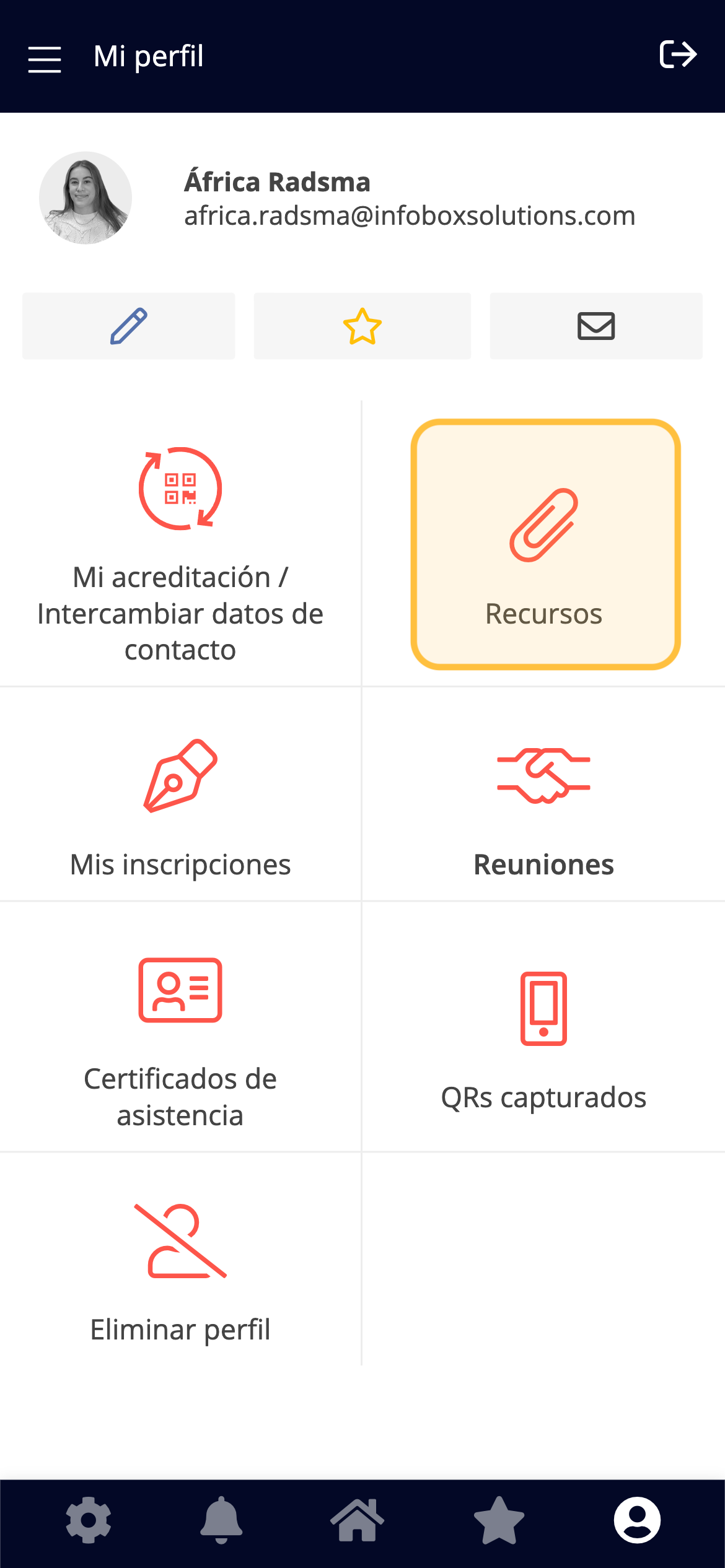
🔎 Where will the assistant see it?\
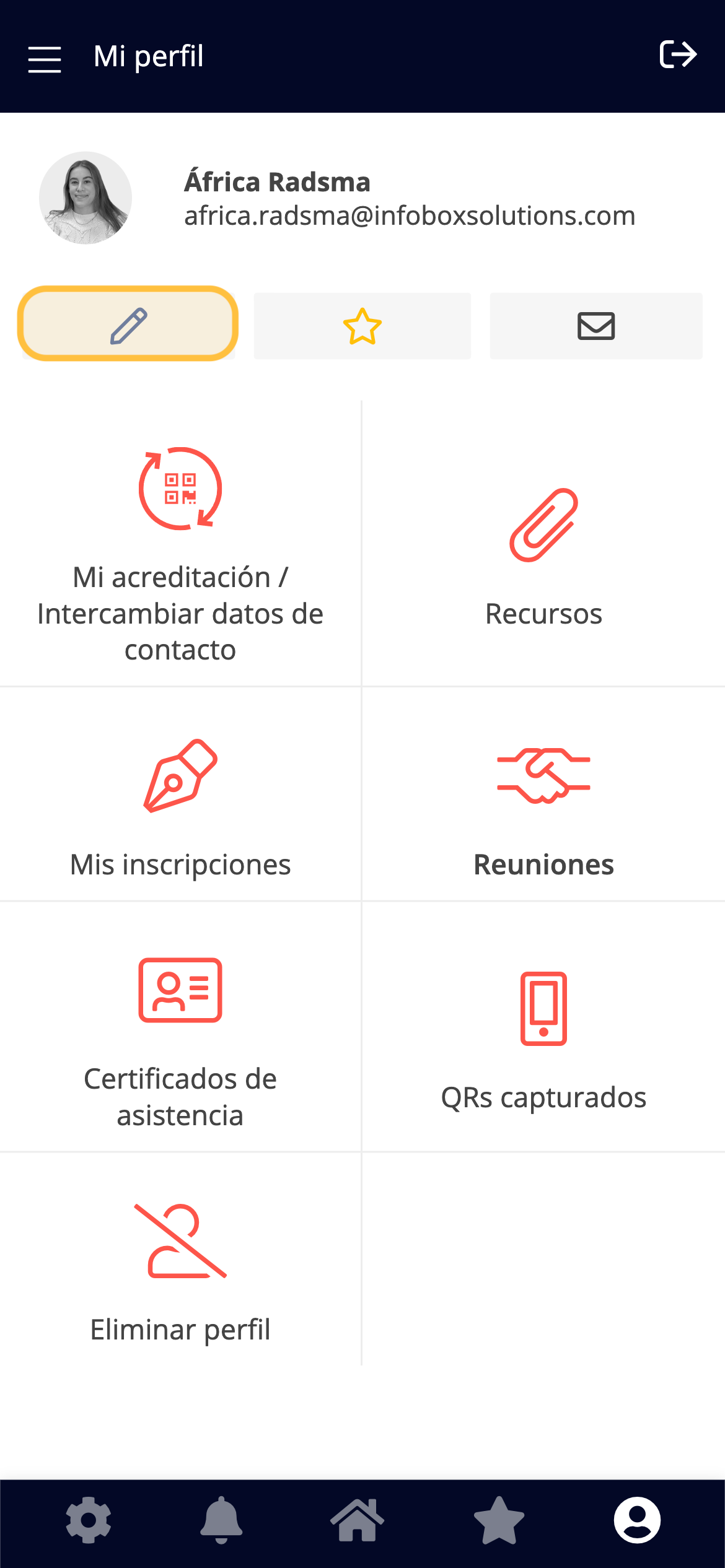
In the app or virtual event, within your profile, in the **My contact information** section (brush icon).
***
## Resources
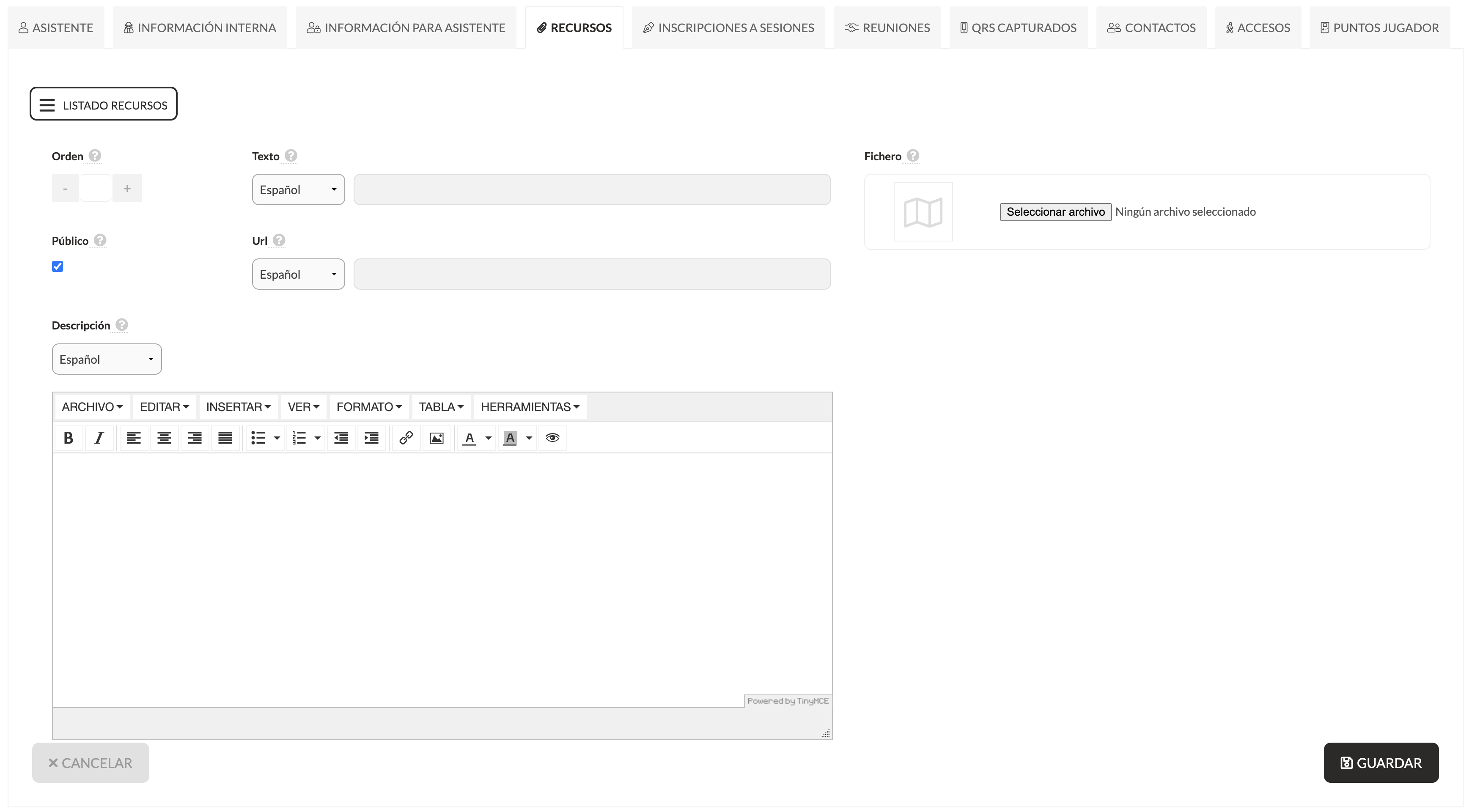
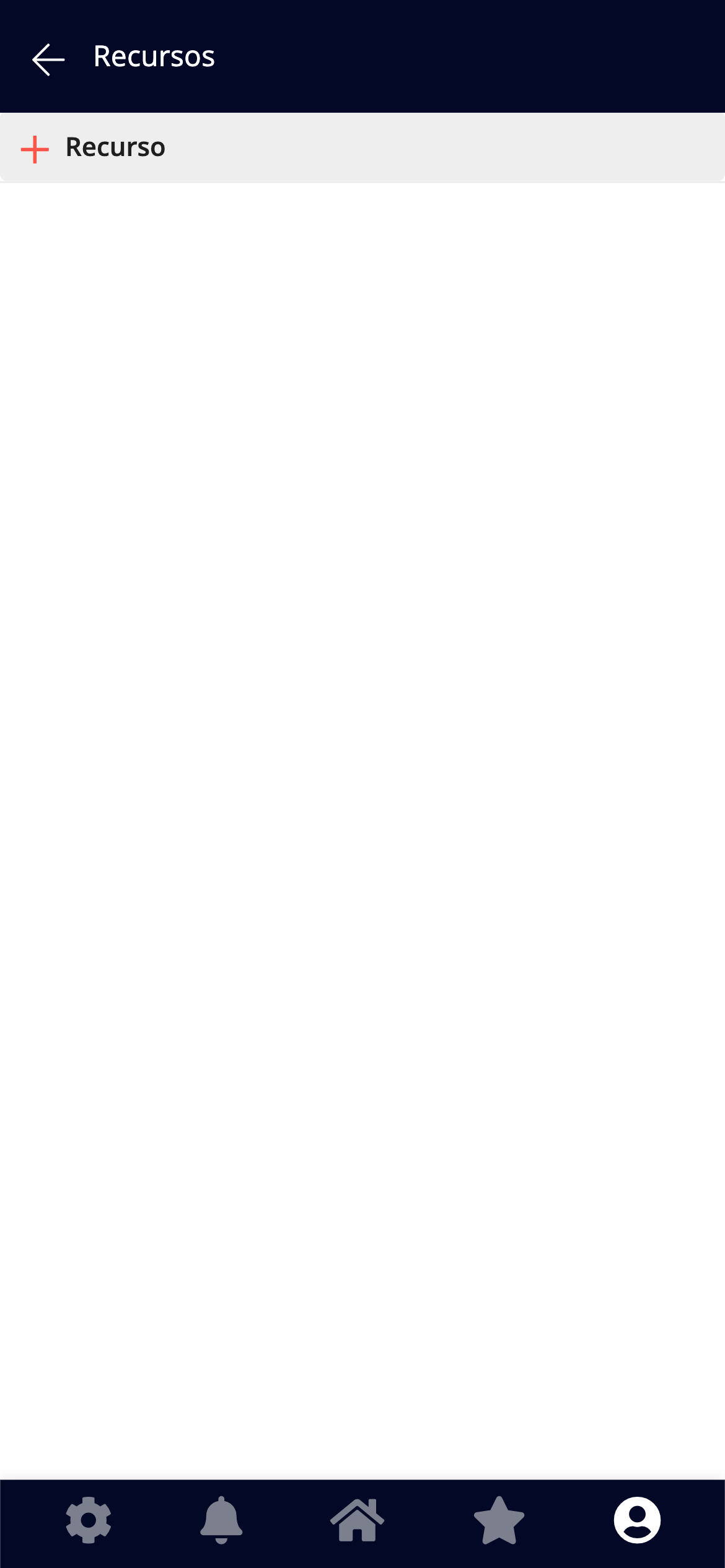
In the **Resources** tab, you can share other types of content:
* Attached files (PDF, image, audio, video)
* Text
* URLs
* Description
* Public or private classification
* Custom order
💡 You can add as many resources as you need. The assistant will also see them in their private profile.