> For the complete documentation index, see [llms.txt](https://help.eventool.com/llms.txt). Markdown versions of documentation pages are available by appending `.md` to page URLs; this page is available as [Markdown](https://help.eventool.com/en/general-content/networking/attendees/how-to-configure-access-and-passwords-for-attendees.md).
# How to configure access and passwords for attendees
> The email address and password allow attendees to access their personal profile in the app or virtual event. Here we explain how to manage it.
## What data does an attendee use to access?
* **Email**: this is unique and unchangeable; you or the assistant assigns it at the time of registration.
* **Key**: generated automatically when creating the attendee and can be modified.
## How to change an attendee password?
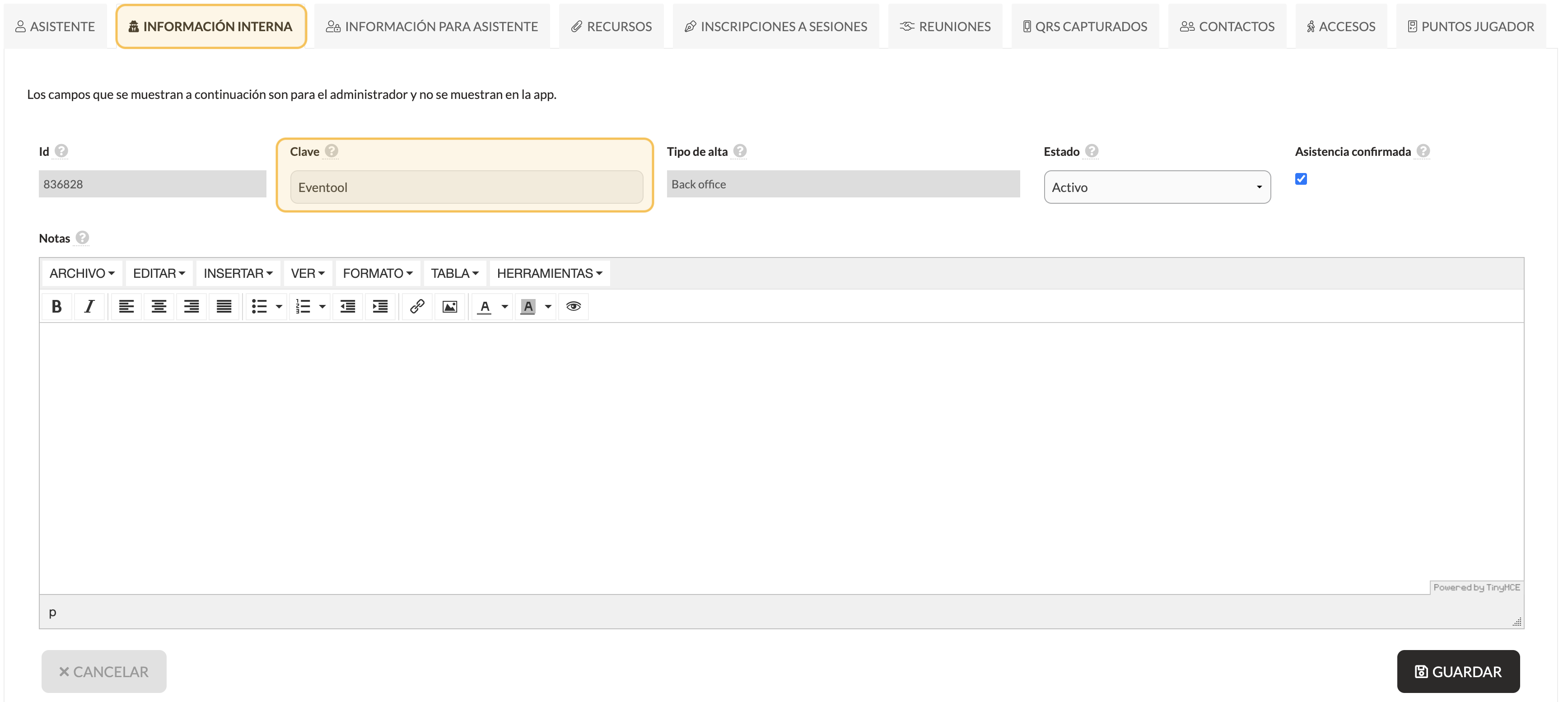
* From the panel, enter the assistant's profile.
* Go to the **Internal Information** tab.
* In the **Key** field, enter a new password.
💡 *You can also change everything by importing the Excel template for assistants in the Key column.*
## Can the assistant change their password?
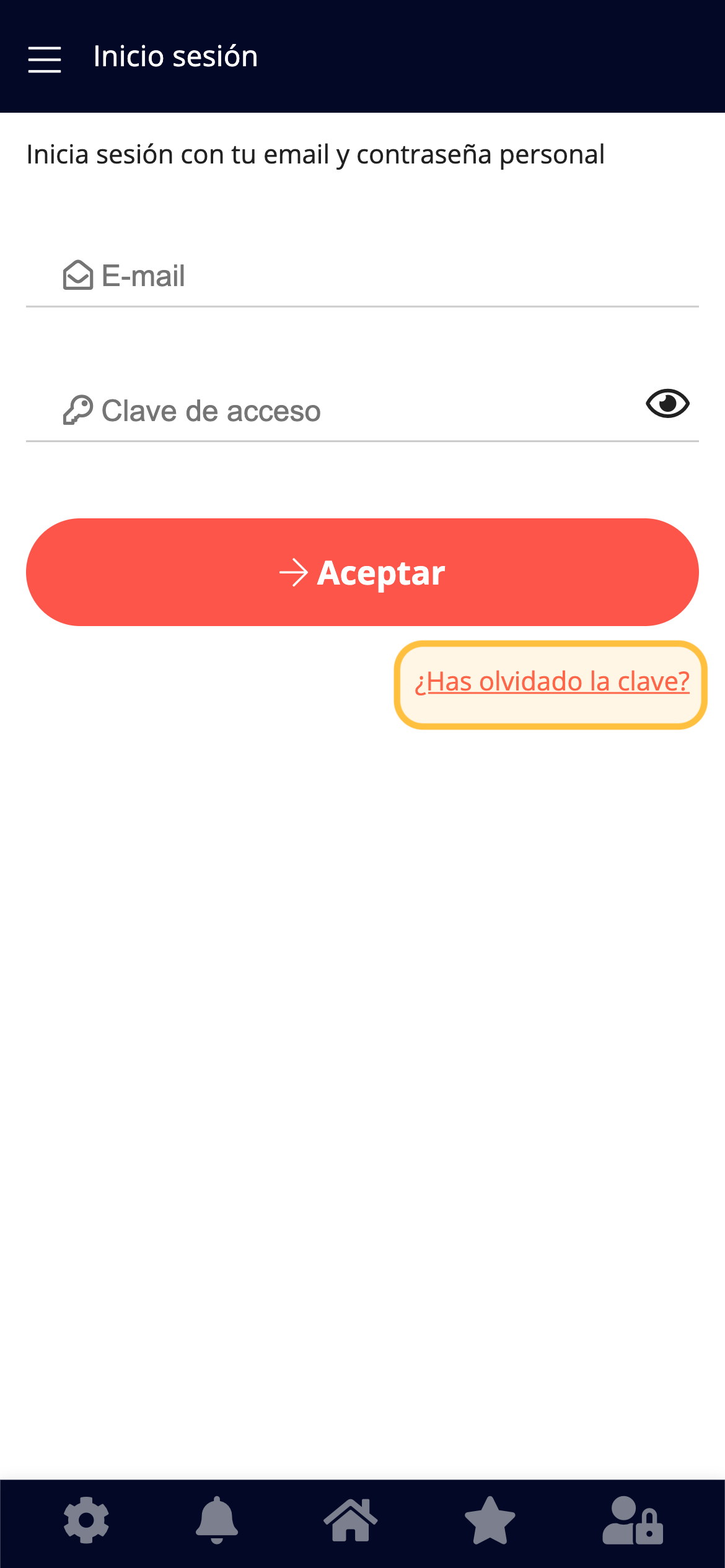
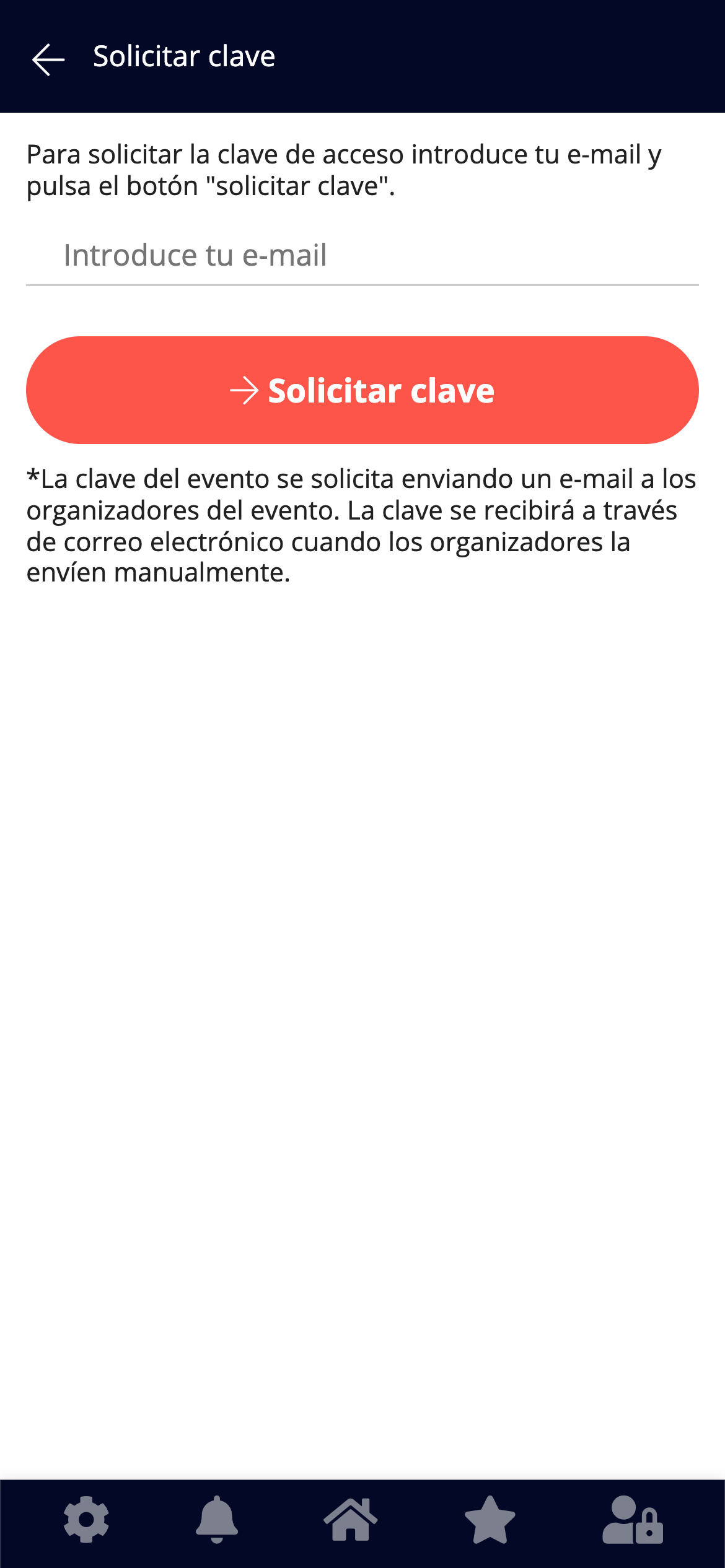
* **Event app**: no, but you can retrieve it from the link *Forgot your password?*
App
App
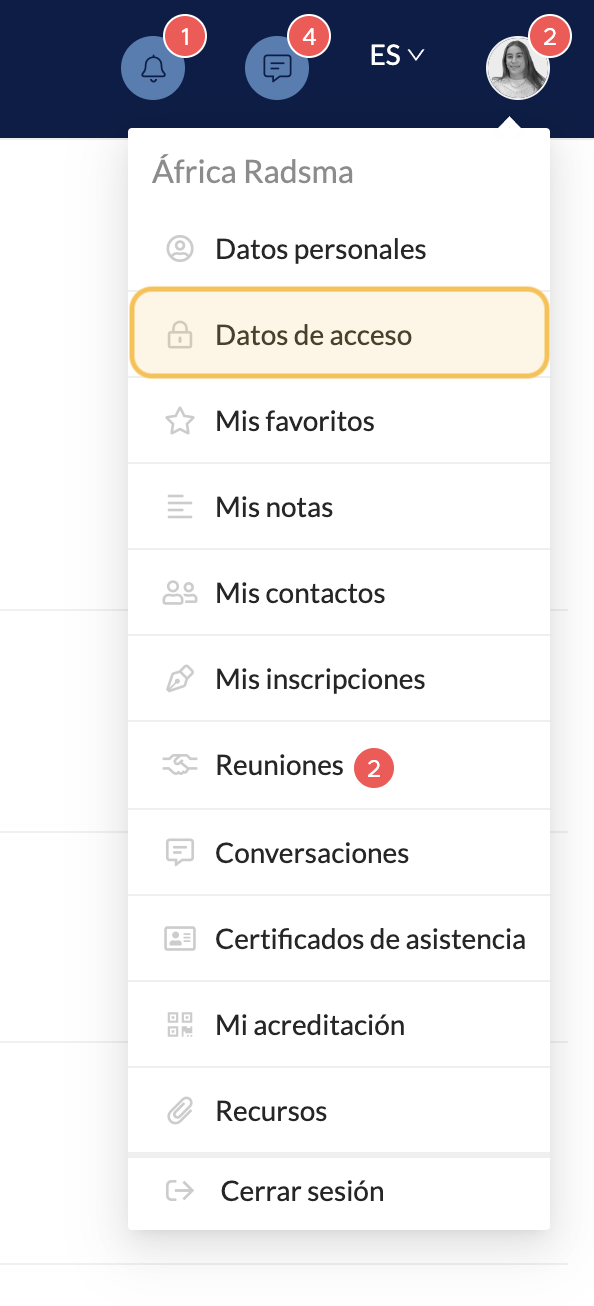
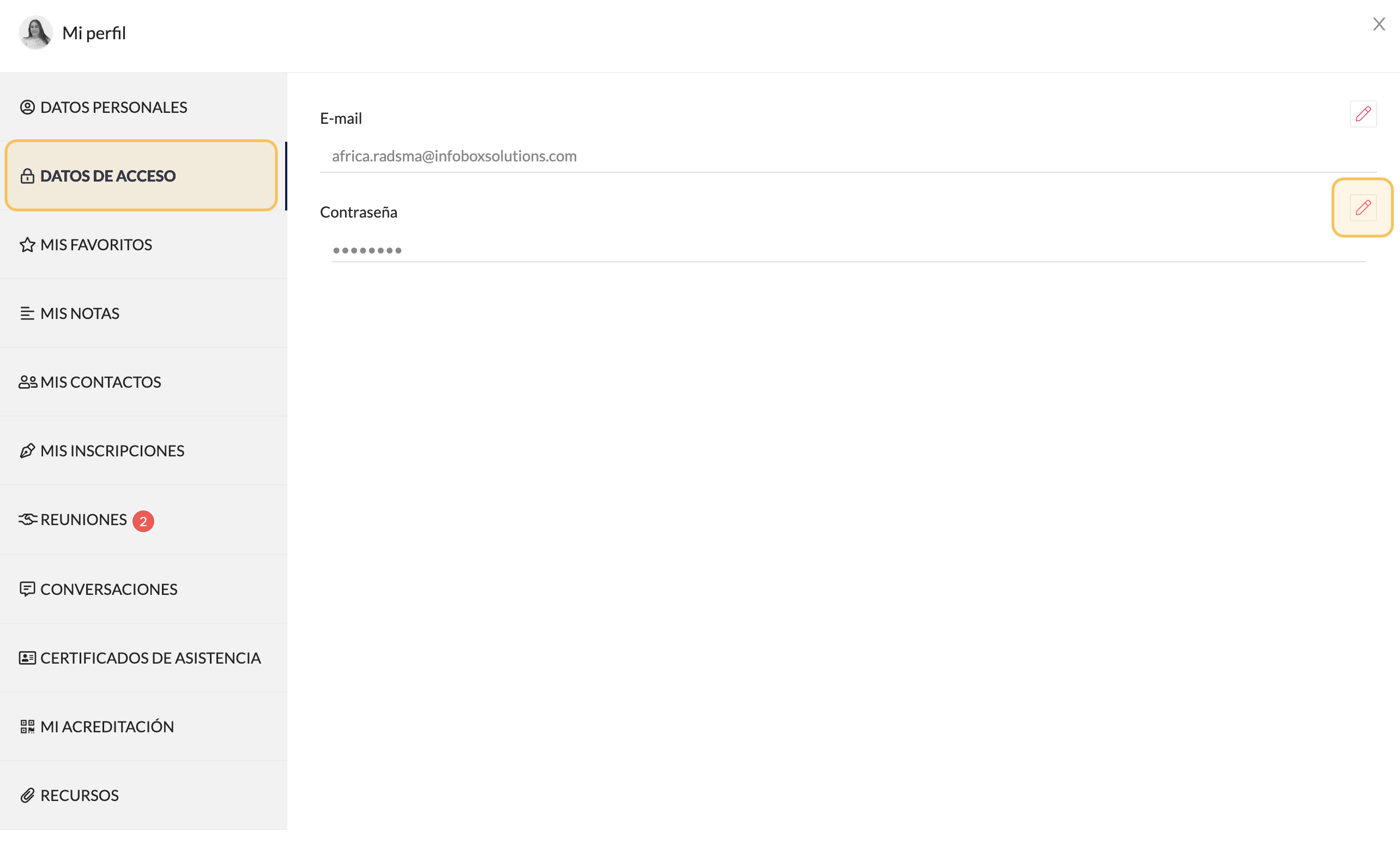
* **Virtual event**: yes, from your profile, in the *Access Data* section.