> For the complete documentation index, see [llms.txt](https://help.eventool.com/llms.txt). Markdown versions of documentation pages are available by appending `.md` to page URLs; this page is available as [Markdown](https://help.eventool.com/en/dashboard/configuration/billing.md).
# Billing
## Where can I view my bills and make payments?
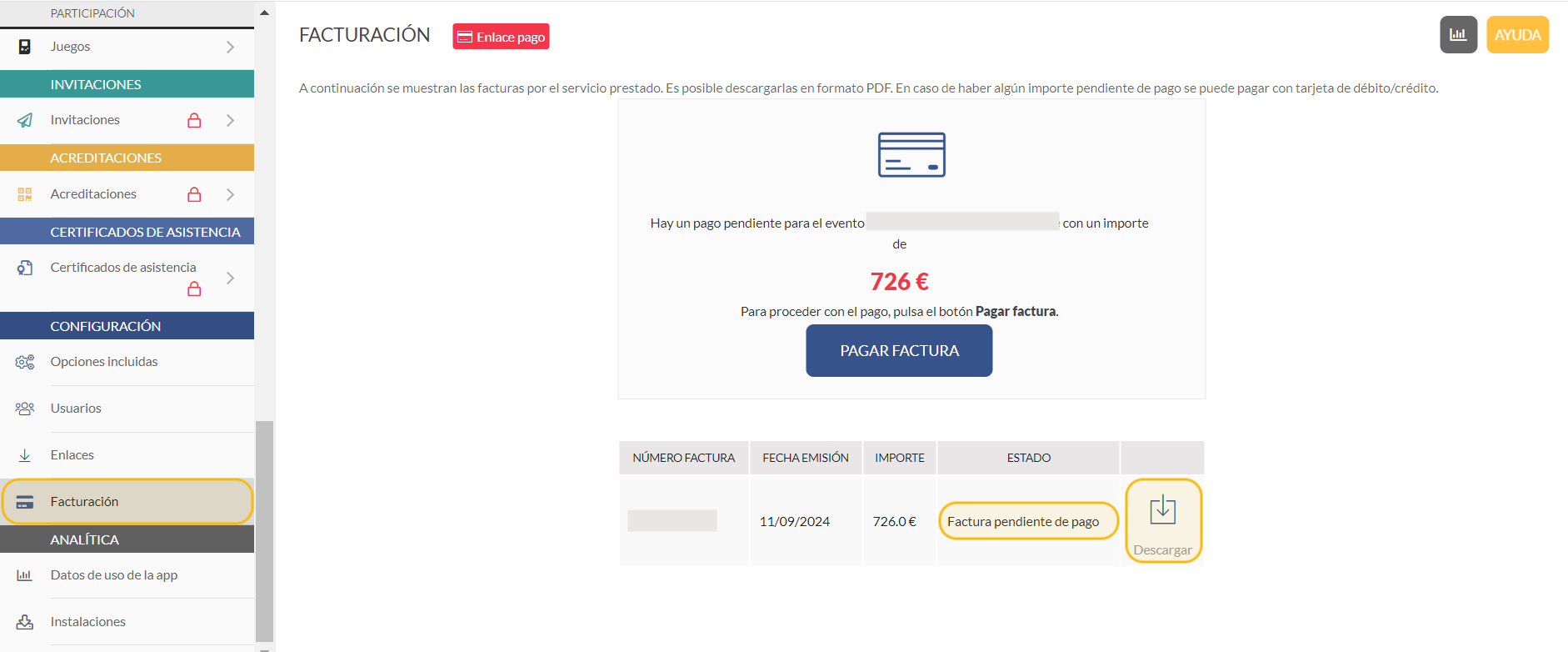
From the management panel, in the side menu, the **billing** section shows all invoices and their status: invoices paid or invoices pending payment. You also have the option to download them in PDF format.
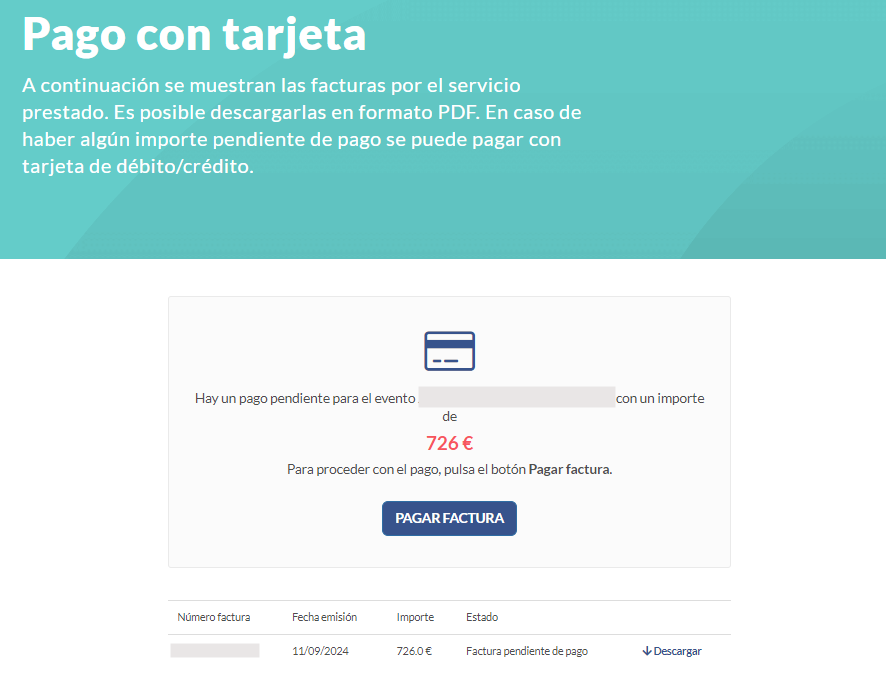
By clicking on the **Payment link** button, you can view your invoices again and access them to make payment.
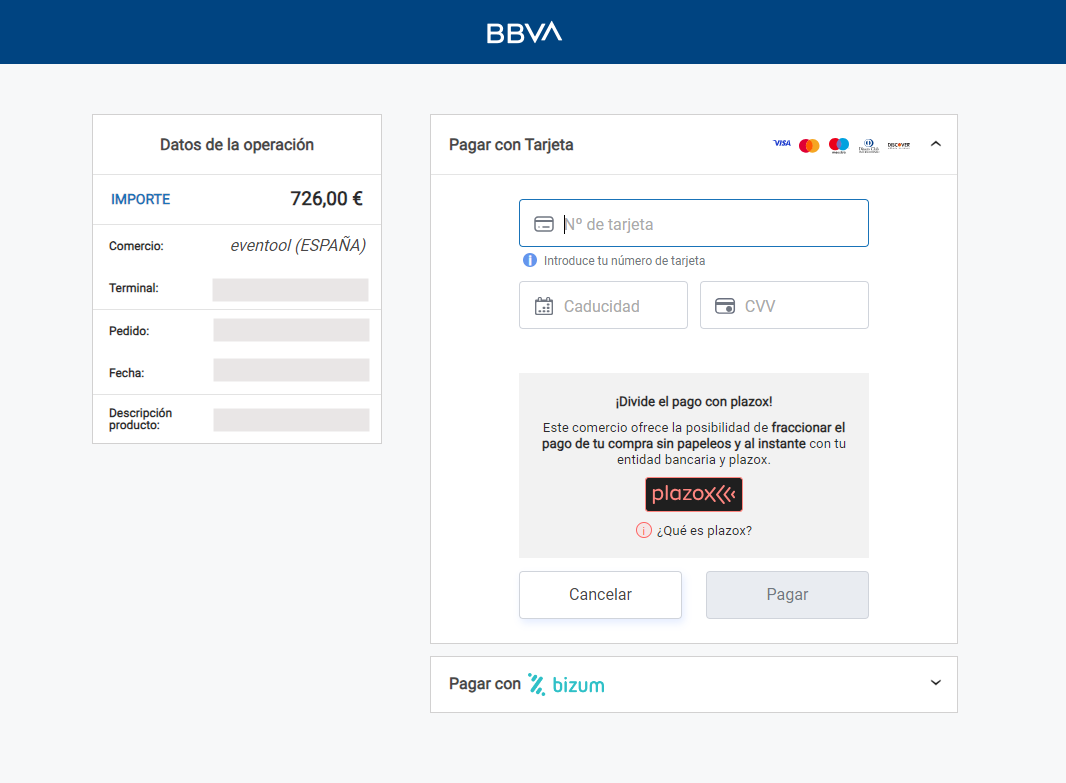
If you have requested **payment by card**, you have the option to pay directly from **Pay Bill**, which will redirect you to the payment gateway.